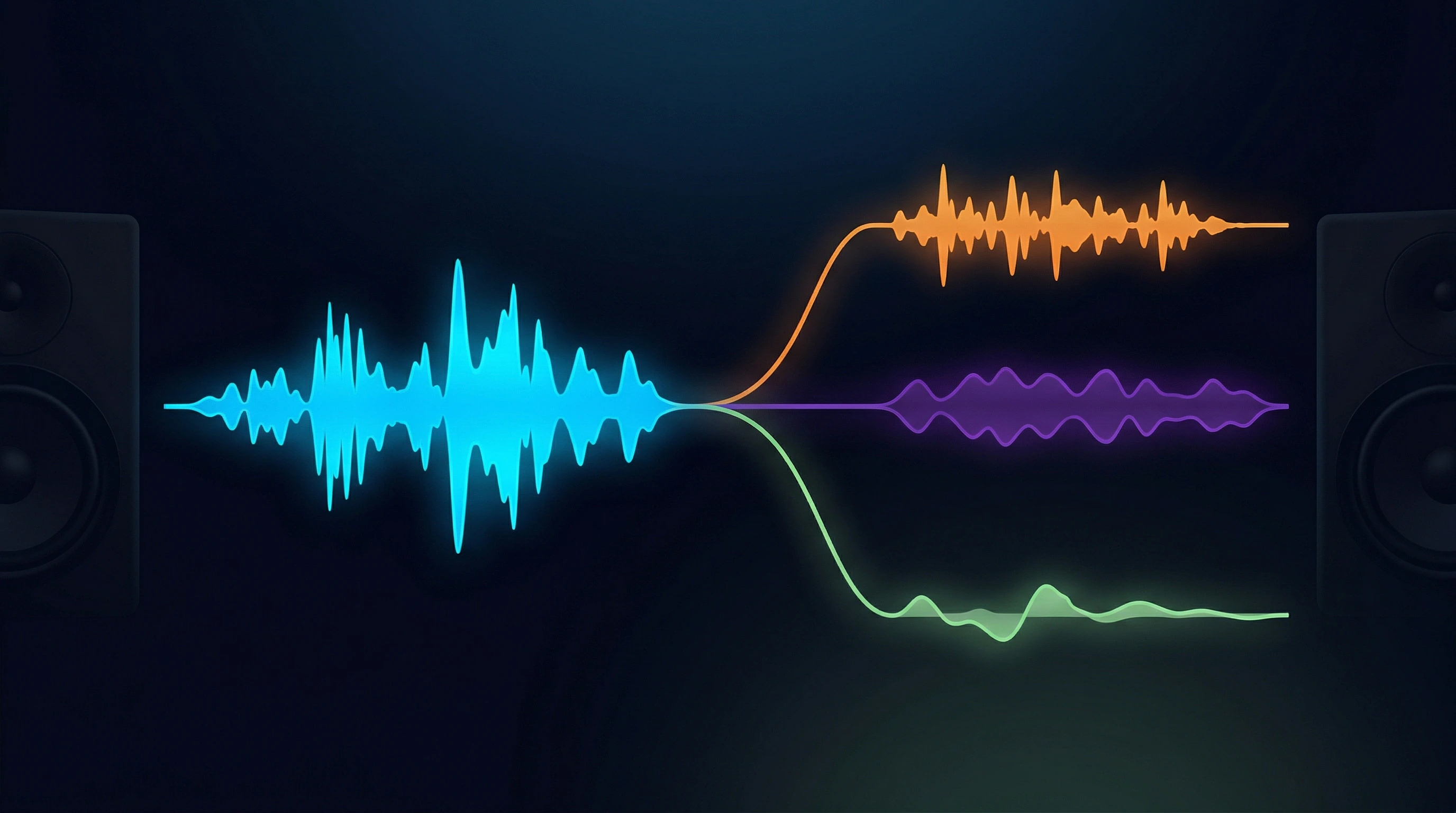
How to Extract Clean Acapella from Any Song: A Practical Guide
Key Takeaways:
- AI stem separation makes acapella extraction accessible to anyone—no audio engineering background required.
- Clean extraction depends on source quality, song arrangement complexity, and model selection.
- Keleeke's online workflow delivers usable acapellas in minutes from any browser.
- Realistic expectations matter: some vocal bleed is physics, not a product failure.
If you've ever wanted the vocal track from your favorite song—for a remix, a mashup, a cover, or just to practice singing along—the process used to be frustrating. You either needed expensive audio software, complex phase-cancellation techniques with unpredictable results, or access to official acapella releases that barely exist.
That changed with AI stem separation. Modern AI models can now isolate vocals from mixed audio with enough quality to be genuinely useful for most creative projects.
This guide walks you through the full process: how acapella extraction works, what affects quality, how to get the cleanest possible results, and where Keleeke fits into your workflow.
What Is an Acapella?
Acapella refers to vocal tracks isolated from their original instrumental. The term comes from the Italian phrase "a cappella," meaning "in the style of the chapel"—originally describing music performed without instrumental accompaniment.
In modern music production, an acapella serves several practical purposes:
- Remix and mashup production: Replace the original instrumental with a new arrangement
- Cover songs: Sing over a new backing track while keeping the original artist's vocal performance
- Sampling: Chop and rearrange vocal fragments as creative elements in new compositions
- Karaoke and practice: Isolate vocals for singing exercises or performance preparation
- AI voice cloning: Feed clean vocals into voice synthesis tools (like RVC or So-VITS-SVC) to create AI cover songs
The cleaner the acapella, the more flexible your creative options.
Why Extracting Vocals Is Harder Than It Sounds
Before diving into the workflow, it helps to understand why vocal extraction is a distinct challenge—and why honest expectations matter.
The Physics of Mixed Audio
When a song is mixed and mastered, all stems (vocals, drums, bass, instruments) are compressed into a single stereo file. During that process, elements overlap in both time and frequency. Vocals and guitars occupy similar frequency ranges. Reverberant tails from vocals blend into the decay of other instruments.
No AI—regardless of how advanced—can perfectly undo this mixing. The information needed for perfect separation simply doesn't exist in the final mix. What AI can do is estimate the most likely original vocal signal based on patterns learned from thousands of hours of training data.
This is why vocal bleed (hearing faint instrument traces in your vocal track, or vice versa) is a universal limitation of the technology—not a sign that your tool is broken.
Traditional Methods and Their Limits
| Method | How It Works | Major Limitation |
|---|---|---|
| Phase cancellation | Inverts one stereo channel to cancel center-panned vocals | Only removes vocals that are perfectly centered; artifacts are common; fails entirely on reverb-heavy sources |
| Spectral editing | Manually draw masks in frequency view | Extremely time-consuming; requires professional software; results depend entirely on user skill |
| Official acapella releases | Some artists/distributors sell isolated stems | Rare, expensive, and limited to specific releases |
AI stem separation supersedes all of these for general use—not because it's magic, but because it can model probable instrument characteristics and make intelligent guesses about what the original vocal signal looked like.
How to Extract an Acappella with Keleeke
The Keleeke workflow compresses professional-grade stem separation into three steps: upload, process, download.
Step 1: Choose Your Entry Point
Keleeke offers two relevant tools for acapella extraction:
- Acapella Extractor: Purpose-built for vocal isolation. Optimized to produce the cleanest possible vocal stem.
- Vocal Remover: Produces an instrumental track; the vocal track is also saved as a byproduct. Use this if you want both stems.
For acapella extraction specifically, the Acapella Extractor is the direct path.
Step 2: Upload Your Audio
Visit Keleeke.com, select the Acapella Extractor, and upload your audio file.
Supported formats: MP3, WAV, FLAC, M4A, and more. For best results, use:
- Lossless files (WAV, FLAC) when available
- MP3 at 320kbps as a practical minimum
- Avoid files already heavily compressed from video sources (YouTube rips, etc.)
File limit on free tier: Up to 8 minutes and 100MB per upload. For longer tracks, split and process in sections.
Step 3: Select Model and Settings
Keleeke offers multiple AI models. If you're unsure, the Ensemble mode (available on Plus/Pro plans) runs your audio through multiple models simultaneously and combines the results—consistently producing the cleanest vocal track.
Model recommendations by source type:
| Source Quality | Recommended Model / Mode |
|---|---|
| Clean pop, modern mix | BS Roformer (any variant) or Ensemble |
| Rock with heavy instruments | MelBand Roformer or Demucs |
| Acoustic / simple arrangement | Any model works well |
| Low-quality or heavily compressed | Try multiple models, compare results |
The system's default recommendation is usually solid for general use. Power users can manually select specific models for more control.
Step 4: Download and Verify
Processing typically takes 1–5 minutes, depending on file length and server load. You'll receive your vocal stem as a separate WAV, FLAC, or MP3 file.
Verification checklist:
- Play the acapella on studio headphones—small artifacts are easier to hear than on speakers
- Listen specifically for instrument bleed in the 1–4kHz range (where most instruments compete with vocals)
- If bleed is noticeable, try a different model or Ensemble mode before concluding the result is poor
- For remix use, do a quick test import into your DAW and check phase and levels before committing
How Keleeke Compares to Other Online Options
If you're evaluating tools for acapella extraction, here's a direct comparison of the most commonly used options.
| Feature | Keleeke | LALAL.AI | Moises | VocalRemover.org |
|---|---|---|---|---|
| Browser-based | Yes | Yes | Yes | Yes |
| No installation required | Yes | Yes | Yes | Yes |
| Mobile-friendly | Yes | Yes | Yes | Limited |
| Max file size (free) | 8 min / 100MB | Varies | Varies | Varies |
| Multi-model support | Yes (Ensemble) | Yes | Limited | No |
| Output formats | WAV, FLAC, MP3 | WAV, FLAC, MP3 | MP3 | MP3 only |
| 32-bit float output | Yes | No | No | No |
| Free tier | Initial 15 min | Limited credits | Limited | Unlimited |
| Model selection | Multiple built-in | Custom models | Fixed | Single model |
| Best for | Power users who want model control | Quick processing | Practice / mobile | Casual use |
Why Keleeke stands out:
- Ensemble mode combines multiple models for measurably cleaner results—particularly on difficult tracks where single-model separation leaves audible bleed
- 32-bit floating point output preserves more headroom for post-processing in your DAW
- Multiple AI model families (BS Roformer, MelBand Roformer, Demucs) give you different separation "flavors" to match against your specific source material
- No forced app install: everything runs in-browser on desktop or mobile, with no subscription required to maintain access (credits never expire on Plus/Pro)
For casual, one-off acapella extraction, any of these tools will get you a usable result. For projects where vocal quality matters—remixes, AI cover production, sampling—Keleeke's model flexibility and output quality are meaningfully better.
5 Practical Tips for Cleaner Acapella Results
1. Source Quality Is the Single Biggest Variable
High-quality source files yield dramatically better results. If you have a choice between a Spotify-ripped MP3 and a lossless download from the artist's Bandcamp, take the lossless file. Every generation of compression loses information that AI has to guess about.
2. Use Ensemble Mode When Available
Single-model separation is good. Ensemble mode—which combines outputs from multiple models—is noticeably better for difficult tracks. If your project matters and the track is complex, the small extra processing cost of Ensemble is worth it.
3. Test Multiple Models on the Same Song
Different models have different strengths. BS Roformer models tend to handle dense mixes well. Demucs often preserves more high-frequency detail. If one model's output has noticeable artifacts, try another—Reddit's audio engineering community routinely reports that "Model X worked great for this song, Model Y didn't" is the norm, not the exception.
4. Listen on Headphones, Not Speakers
Headphones reveal bleed and artifacts that speakers mask. Before finalizing your acapella, do at least one critical listening pass on closed-back headphones.
5. Light EQ Can Fix Residual Bleed
If your acapella has faint instrument traces, a targeted EQ pass can help:
- High-pass filter below 80–100Hz to remove bass bleed from the vocal track
- Cut 200–500Hz if that range contains residual instrument muddiness
- Boost presence range (3–5kHz) if the vocal sounds dull after cleaning
This isn't cheating—it's standard post-processing that professional mixers do routinely.
FAQ
Can AI extract a 100% clean acapella from any song?
No. AI stem separation has physical limits—when vocals and instruments occupy the same frequency range, some bleed is unavoidable. However, modern AI models like BS Roformer and MelBand Roformer achieve SDR scores above 18dB on clean pop tracks, which is sufficient for most remix, cover, and practice use cases.
What types of songs work best for acapella extraction?
Songs with simple, balanced arrangements yield the best results. Clear separation between vocals and instruments, minimal reverb, and high source quality (lossless or 320kbps+ MP3) all help. Dense orchestral tracks, live recordings with heavy reverb, and heavily compressed songs are the hardest to separate cleanly.
Is it legal to extract and use an acapella from a song I own?
Extracting an acapella from a song you already own for personal or non-commercial use (practice, covers, demos) is generally acceptable. For commercial releases, remixes, or public distribution, you typically need permission from the original copyright holder. Always check your local copyright laws and the specific platform's terms of service.
What's the difference between "extract vocals" and "remove vocals"?
"Extract vocals" means isolating the vocal track as a standalone stem, producing an acapella. "Remove vocals" means the opposite—producing an instrumental track with the vocals eliminated. Keleeke offers both modes: use the Acapella Extractor for vocal isolation, and the Vocal Remover for instrumental creation.
Can I extract acapella on my phone?
Yes. Keleeke works in any mobile browser—no app installation required. Upload your audio, select the extraction mode, and download the results directly to your device. For longer files (over 8 minutes) or batch processing, a desktop browser is more convenient.
Why does my extracted acapella still have some instrument bleed?
Vocal bleed in instrument stems is a physics limitation, not a tool defect. When vocals and instruments share frequency space, AI separation can't fully erase one without affecting the other. Tips to minimize bleed: use lossless source files, try Ensemble mode to combine multiple models, and do a quick EQ pass to cut residual instrument frequencies (typically 1–4kHz range).
Summary
AI stem separation has made acapella extraction accessible, fast, and good enough for real creative work. The key variables are source quality, model selection, and realistic expectations about what the technology can and cannot achieve.
The Keleeke workflow:
- Open the Acapella Extractor in your browser
- Upload a high-quality audio file
- Choose Ensemble mode for best results
- Download your vocal stem and verify on headphones
New users get an initial 15-minute free credit—enough to process several songs and see what modern AI separation can actually do.
If you need to process longer files, work with multi-stem separation, or want priority processing, the Plus ($10 for 300 minutes) or Pro ($20 for 700 minutes) plans offer longer limits and higher quality output with no expiration on credits.
Start extracting acapellas from your favorite tracks today.